
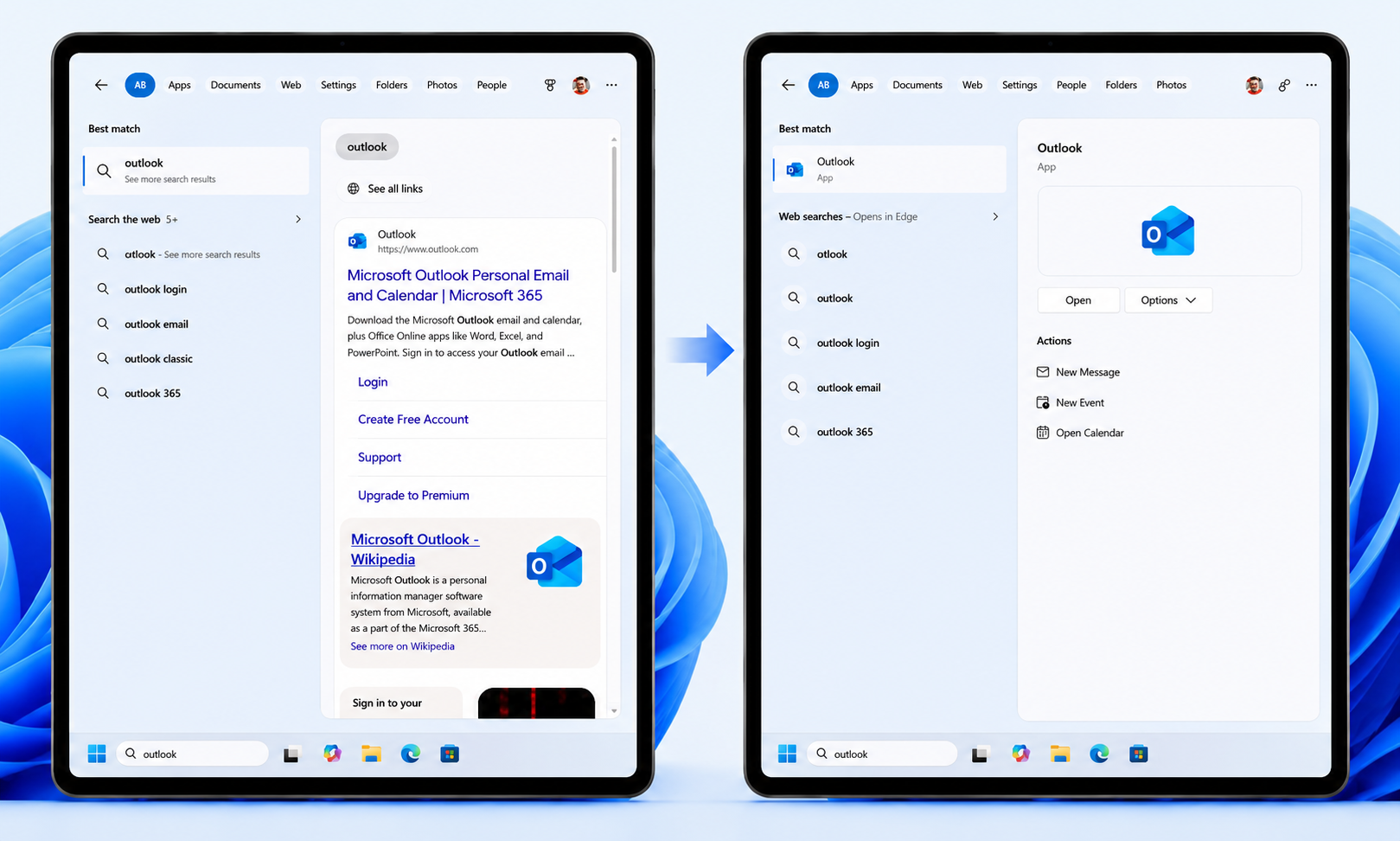
Microsoft has announced a major set of improvements to the Windows Search Box. The update aims to make search faster, more accurate, and easier to use by reducing clutter, improving relevance, and giving users more control over search results.
According to Microsoft's statement, "Because the Windows Search Box is where many people start, we focused first on making results more dependable, easier to scan, and clearer before you click."
A Move Towards Cleaner, More Streamlined Search Experience
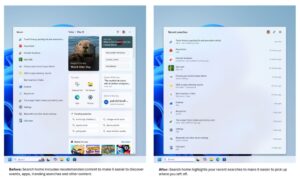
A cleaner home screen: One of the most significant improvements is a simplified Search home page that removes unnecessary visual clutter. The home screen now has a cleaner interface, making it easier for users to access recent searches without distractions, creating a streamlined experience.
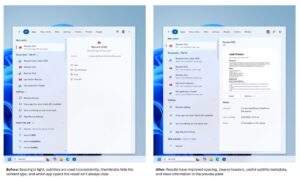
Improved search results: Search results are also becoming clearer. Windows Search now labels whether a web result comes from an app, a setting, a file, a web page, or a Store suggestion. This allows users to understand where each result comes from before clicking on it.
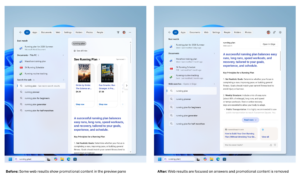
Promotional content removed from web results: Microsoft has also removed promotional content from web search results, ensuring the most relevant information appears first rather than advertisements or product recommendations.
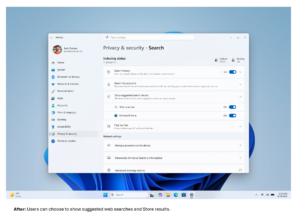
More control over search: The update introduces a new privacy setting under Settings > Privacy & Security > Search. It allows users to choose whether web and Microsoft Store suggestions appear alongside local search results. This gives users more control over their search experience by tailoring it to their preferences.
Smarter, More Forgiving Search Results
Prioritized local results: Microsoft has focused on improving search relevance by prioritizing local apps, files, and settings over web and Store Suggestions when your content is a great match. It has also become easier to find System folders and items such as This PC and Recycle Bin.
Finding apps is now more forgiving: Search is better at handling typing mistakes, missing or extra letters, and partial words for apps. For example, typing "utlook" will still return to Microsoft Outlook.
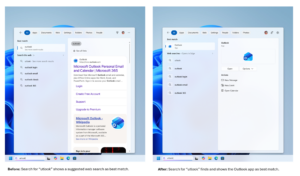
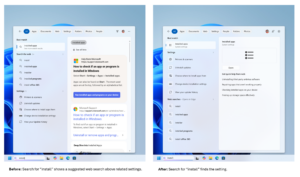
Settings search comes with an initial round of ranking improvements to display more relevant results, with additional changes planned in the coming months.
Better File Search and Reliability
Searching files becomes easier: It has become more capable with the support for two-character file searches. Alongside, search has improved in surfacing local, cloud, and connected files when they best match a user's query.
These improvements aim to help users locate the document, download, or folder they are looking for more quickly.
Improved reliability: Microsoft has also focused on improving the reliability of Windows Search by reducing crashes and loading issues, with more work in progress.
Availability
The updated Windows Search Box experience is available to Windows Insiders in the Experimental channel. The improvements will be gradually rolled out via Controlled Feature Rollout (CFR). Since the rollout is phased, not all Insiders will be able to see it immediately. Microsoft suggests that users reboot their PCs to check whether the update is available, and that the improvements can also be enabled via feature flags.
According to Microsoft, these improvements are based on feedback from Windows Insiders. The tech company continues to refine the experience as it rolls out to more Insiders. Users are suggested to share their experiences through Feedback Hub (WIN+F) under Desktop Environment > Search. Overall, the update to Windows Search Box represents Microsoft's continuous efforts to make Windows search cleaner, faster, and user-friendly.
For all the latest news updates covering the tech landscape, do visit our website.
Recommended For You:
Microsoft Word Update: Auto-Save to OneDrive, Benefits, and Controls