
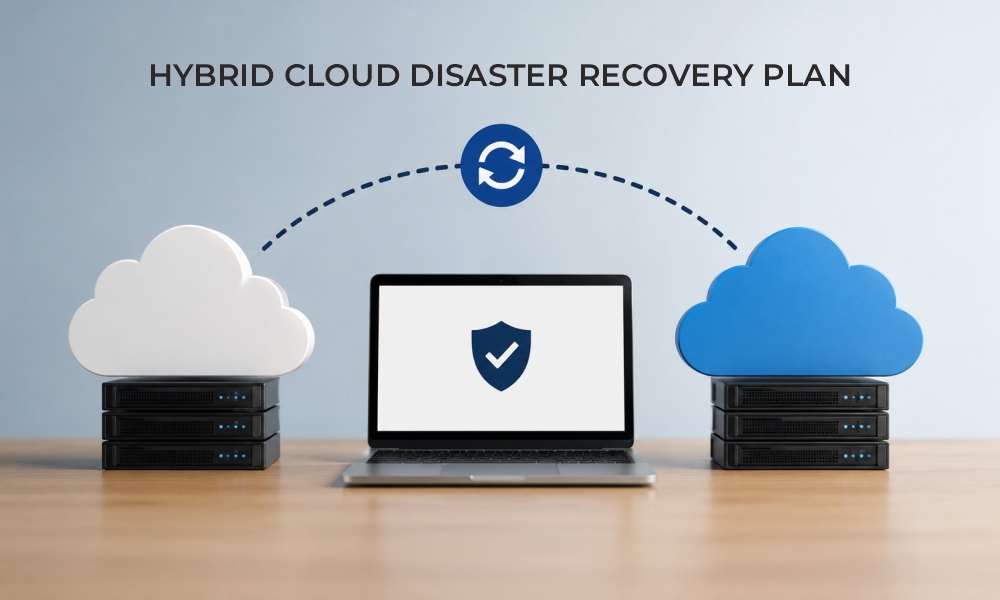
Have you ever faced a situation where your data becomes corrupted due to ransomware attacks, hardware failures, cloud environment failures, or accidental data deletion? Even a few hours of downtime can result in significant data loss, operational disruption, and increased financial losses. Relying on a manual recovery process during any cyberattack, natural disaster, or hardware failure is slow and risky.
Instead of using traditional disaster recovery solutions, organizations opt for hybrid cloud disaster recovery strategies that provide a reliable and flexible way to ensure business continuity by using both their servers and cloud services.
According to Flexera’s State of the Cloud report, 73% of organizations use hybrid cloud infrastructure to support IT operations.
This blog outlines the practical steps for disaster recovery planning in hybrid cloud environments, including recovery objectives and backup strategies, common implementation mistakes, and a readiness checklist to improve recovery readiness.
What is Hybrid Cloud Disaster Recovery?
A highly effective approach that combines on-premises infrastructure with cloud-based resources is known as a hybrid cloud disaster recovery strategy. Instead of relying entirely on secondary physical data centers, organizations use cloud resources to create a recovery environment that can restore critical workloads during an outage.
Compared to traditional disaster recovery approaches, a hybrid cloud model reduces the need for dedicated recovery infrastructure. Because it provides flexibility to scale recovery resources as organizational needs evolve.
Six Practical Steps for Hybrid Cloud Disaster Recovery Planning
When several core elements are combined, we get a successful recovery plan for hybrid cloud. They help us protect core systems, reduce service interruptions, and support business continuity. Before implementing recovery workflows, consider following below mentioned practical steps to build a strong disaster recovery strategy.
Step 1. Assess Business Requirements and Critical Workloads
Not every application requires the same recovery priority. The first step in a hybrid cloud disaster recovery plan is to identify and focus on workloads critical to your business. This assessment is often referred to as Business Impact Analysis (BIA). It helps identify the workload that requires the highest recovery priority.
Create an inventory of software, databases, virtual machines, and file systems. Also, note which applications depend on each other. Recovering an application without its supporting services can delay the entire recovery process.
Questions to ask include:
- Which applications are necessary for daily operations?
- Which system stores sensitive data?
- Which services can cope with temporary downtime?
- What dependencies exist between applications and databases?
The answers help prioritize recovery efforts, ensuring the most critical workloads are restored first during an outage.
Step 2. Define Recovery Objectives (RTO and RPO)
Once critical workloads are identified, set clear, specific recovery goals for each system or application. This step helps determine how quickly each system or application should be restored and how much data loss is acceptable.
Recovery Time Objective (RTO) helps determine the maximum acceptable downtime before a service must be restored.
Recovery Point Objective (RPO) helps determine how much data loss the organization can tolerate.
These recovery goals help determine how an organization should design its recovery plan, how often it should back up its data, and how much investment to make in technology and systems.
For example:
An online banking application may have an RTO of 20 minutes and an RPO of 5 minutes. This means the application should be restored within 20 minutes of an outage, with no more than 5 minutes of data loss. In contrast, an internal document management system may have an RTO of 8 hours and an RPO of 24 hours, as it is less critical to business operations.
Recovery objectives should reflect the importance of each workload rather than follow a one-size-fits-all approach.
Step 3. Design a Reliable Hybrid Cloud Backup and Replication Strategy
An effective hybrid cloud disaster recovery plan protects critical workloads and business data by maintaining recoverable copies outside the primary environment. A strong cloud disaster recovery strategy combines backup for data protection with replication for faster workload recovery.
When designing a hybrid cloud backup and replication strategy, consider the following practices:
- Critical workloads should be backed up more frequently to meet recovery needs.
- Store backup copies of sensitive data in different physical locations to improve resilience during regional failure.
- Encrypt data in transit and at rest to protect sensitive data.
- Maintain immutable backups to prevent ransomware or unauthorized users from modifying recovery data.
- Regularly verify backup integrity by restoring sample data or workloads to confirm recovery points are usable.
Combining backup for long-term data retention with replication for rapid recovery helps minimize both downtime and data loss.
Step 4. Automated Recovery and Failover Processes
Automating recovery processes help restore systems faster and reduce the risk of human error during downtime. Recovery orchestration can automate cloud failover processes, provision cloud infrastructure, restore virtual machines, reconfigure networking, and notifiy stakeholders.
Automation and recovery orchestration enable IT teams to execute recovery tasks consistently while reducing human intervention.
Step 5. Test the Disaster Recovery Plan Regularly
Regular disaster recovery testing ensures the recovery plan performs as expected during real emergencies. Different testing methods provide different aspects of recovery readiness.
- Scenario-based exercises to evaluate recovery procedures.
- Simulation tests to evaluate responses during realistic failure scenarios.
- Partial failover tests for selected applications.
- Full disaster recovery drills to validate end-to-end recovery capabilities.
Regular testing helps identify recovery gaps before an actual disaster occurs.
Step 6. Monitor, Review, and Continuously Improve
A hybrid cloud disaster recovery plan should be refined over time to meet the organizational requirements. As organizations migrate workloads, deploy new applications, or adopt additional cloud services, recovery plans must be updated accordingly.
Continuous monitoring helps identify backup failures, replication issues, storage capacity constraints, and configuration changes before they affect recovery performance.
Rather than a one-time project, disaster recovery must be treated as an ongoing operational process. Regular improvements help organizations strengthen cyber resilience while maintaining a disaster recovery strategy that supports long-term business goals.
Common Mistakes to Avoid in a Hybrid Cloud Disaster Recovery Plan
Even a well-documented recovery plan can fail if critical gaps are overlooked during implementation or maintenance. In many cases, recovery delays occur because the assumptions made during planning do not align with real-world conditions.
Identifying these common mistakes can help strengthen an organization's disaster recovery strategy.
1. Treating Backups as a Complete Disaster Recovery Strategy
A strong backup plan should always be supported by documented recover procedures to avoid extended downtime.
2. Overlooking Application Dependencies
Business applications rely on interconnected databases and services. Restoring an application without these supporting components can delay recovery even when a backup is available. Mapping these dependencies during planning helps prevent unexpected recovery failures.
3. Setting Unrealistic Recovery Objectives
One common mistake is choosing recovery objectives that are too high or too low, which can affect the success of the recovery plan during an outage. This can also increase infrastructure costs or delay recovery of critical applications. Recovery objectives should be realistic, measurable, and aligned with business needs.
4. Ignoring Security in the Recovery Environment
A disaster recovery plan is incomplete without security. Organizations must protect their backup environment with proper access controls, encryption, and monitoring to ensure that restored systems and backup data remain safe from cyber threats.
Avoiding these mistakes helps organizations build a more resilient hybrid cloud disaster recovery strategy.
Hybrid Cloud Disaster Recovery Plan Checklist
Use the checklist below to verify that your recovery plan covers the essential disaster recovery requirements.
- Critical workloads are prioritized.
- Recovery objectives are documented.
- Hybrid cloud backup and replication are verified.
- Recovery procedures are documented and accessible.
- Recovery roles are clearly assigned.
- Security extends to the recovery environment.
- The plan is tested against realistic scenarios.
- The disaster recovery plan evolves with your environment.
Following this checklist along with regular testing and continuous updates, will make your disaster plan more effective.
In Conclusion
A well-designed hybrid cloud disaster recovery strategy helps organizations reduce downtime, protect sensitive data, and maintain business continuity during unexpected disruptions. Clear recovery goals and reliable backups along with regular testing help organizations strengthen resilience and recover with confidence.
For more such information visit our official website now!
FAQs
1. Which cloud platforms support hybrid cloud disaster recovery?
Answer: Most major cloud providers support disaster recovery, including Microsoft Azure, Amazon Web Services (AWS), and Google Cloud. Many organizations also use third-party disaster recovery platforms to manage backups.
2. How long does it take to implement a hybrid cloud disaster recovery plan?
Answer: Implementation time varies and depends on the size and complexity of the IT environment, the number of workloads, and recovery objectives.
3. What types of disasters should a hybrid cloud disaster recovery plan prepare for?
Answer: A well-designed plan should address a range of scenarios, including ransomware attacks, hardware failures, power outages, natural disasters, accidental data deletion, network failures, and cloud service disruptions.
Recommended For You:
Top Hybrid Cloud Providers Comparison: AWS, Azure, Google Cloud
Hybrid Cloud Networking for Workload Portability and Enhanced Security